Bluetooth / App problems
Hearing aid Bluetooth and app problems often start after a phone update or a lost connection. Restarting your phone and hearing aids can restore the link, while app updates may resolve compatibility issues. Pairing steps vary between manufacturers and phones, so use the instructions for your own model. The checks below progress from simple restarts to pairing again. If the hearing aid itself is frozen or the connection still fails, the clinic can help check the settings without changing your hearing prescription.
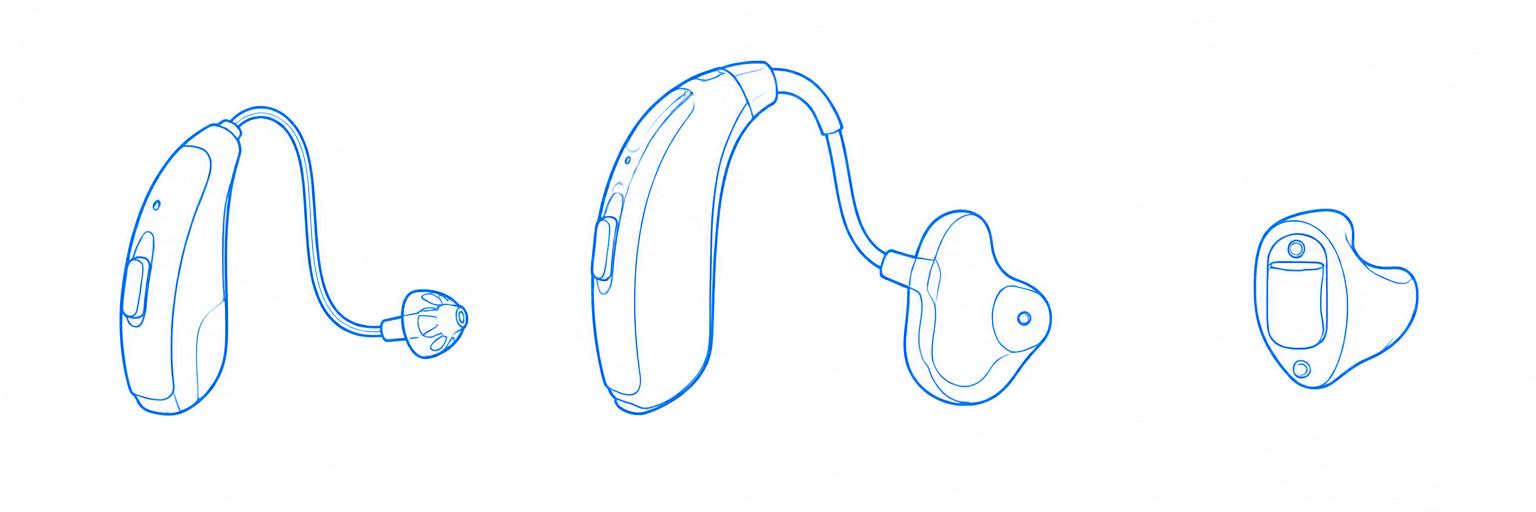
What type of hearing aid do you have?
Possible causes and checks
Restart the connection
The phone and hearing aids may have lost their connection.
Read these checksCheck app and phone compatibility
A phone update may affect the app or connection.
Read these checksPair the hearing aids again
The saved connection may need refreshing.
Read these checksRefresh the hearing aid app
The app may have stopped responding.
Read these checksGet help with the connection
A persistent connection fault or frozen aid may need a clinic check.
Read these checks